
Find the right selling price
Work out your selling price and margin, drop results onto pricing cards to convert them as you go, and build quantity-break quotes you can share with another user.
For iPhone and iPad. The app is currently in testing.
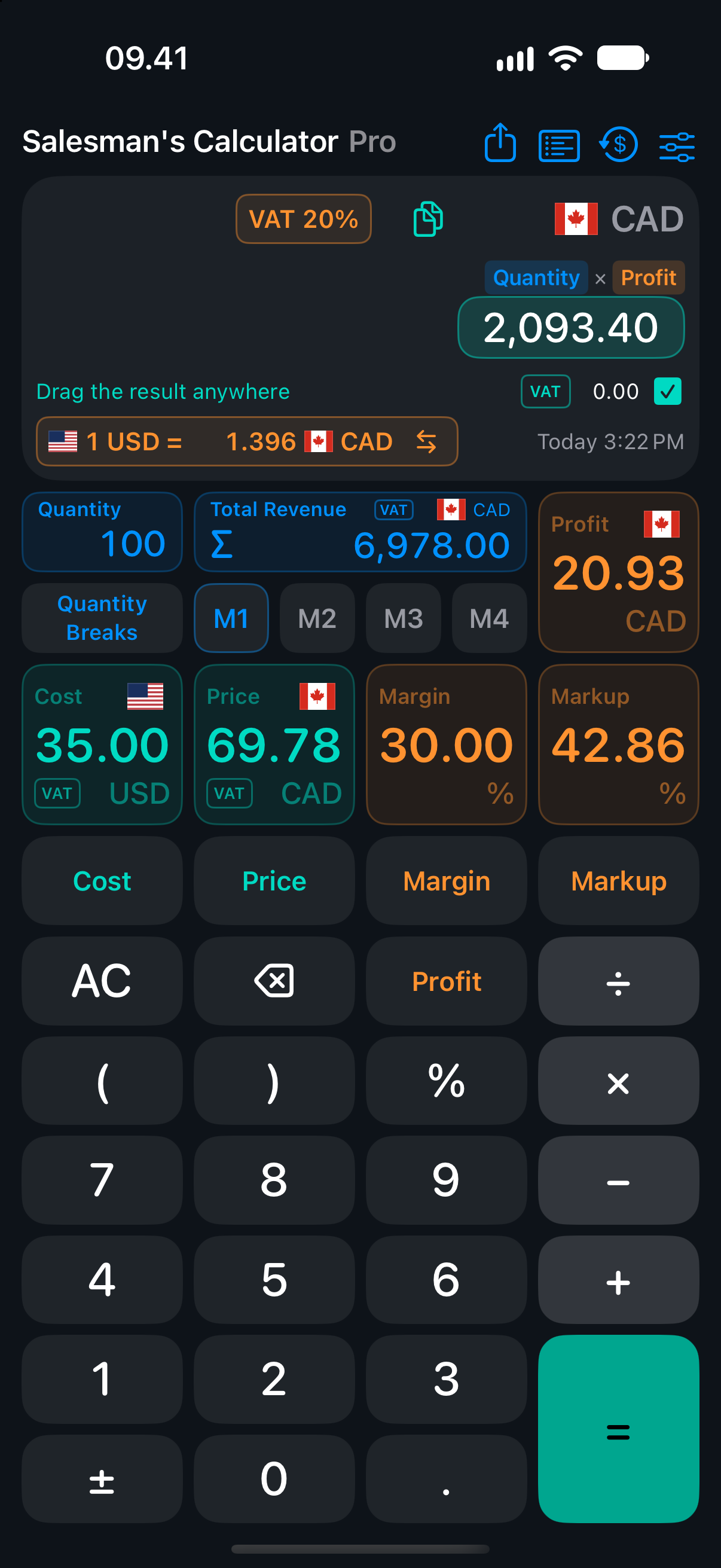
Drag a result into your sale
Drag a result onto Cost, Price, or Profit. For example, calculate a price in US dollars and drop it onto a Price card set to Canadian dollars. The app converts the amount using the available exchange rate and recalculates the sale.
Keep each amount in its own currency
Set separate currencies for cost, selling price, and the calculator. Keep supplier costs in their original currency while you quote in your customer’s currency. Pro adds automatic exchange-rate updates.
Calculate prices and margins
Set a target margin, markup, or profit to work back to the selling price. See quantity totals, display VAT, and use values from the sale in formulas.
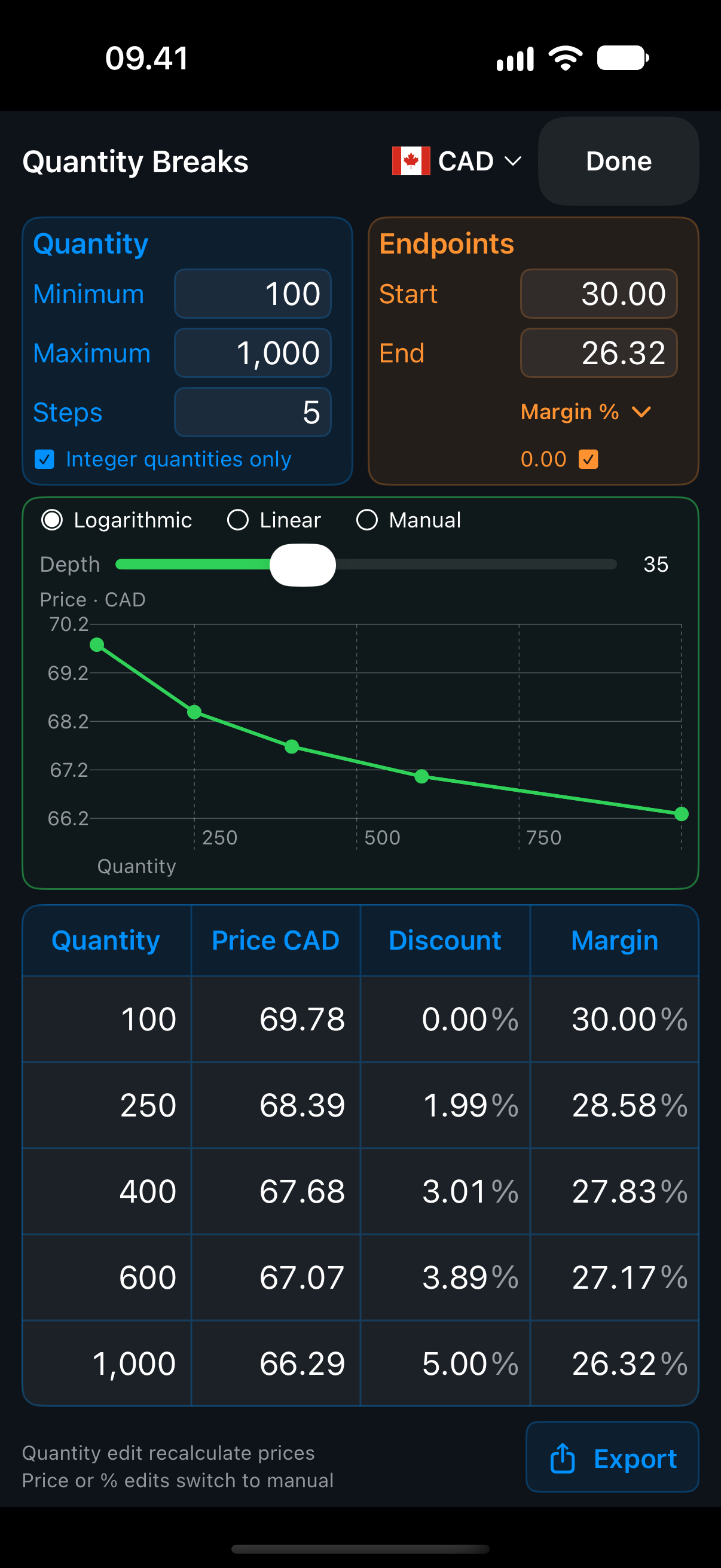
Build quantity-break quotes
Set your quantity range and choose a target price, discount, or margin. Compare prices on a linear or logarithmic curve, fine-tune individual rows in the quote table, and export it as a CSV, table, or image.
Send an editable calculation
Share the sale as a calculation file, including its quantities, currencies, and any quantity breaks you’ve built. Another Salesman’s Calculator user can import the file and adjust the calculation or quote in their own app.
Save and reuse calculations
Save calculations to memory and pick up where you left off when you reopen the app.